

Everyone’s a developer because of tools like ChatGPT and Claude. Similarly, when GitHub Copilot was introduced, it was hailed as a game-changer, capable of speeding up coding tasks, reducing repetitive work, and even generating code snippets based on natural language prompts. However, the reality for many developers has been less than ideal.
To understand the reasons, Santiago Valdarrama, an ML teacher and founder of Tideily, asked the question - If you aren't using GitHub Copilot to write code, can you tell me why? And the replies were mixed and nothing short of fascinating.
Tom Cruickshank, a developer who tested Copilot with JetBrains IDE, shared his experience. “I tried it out with Jetbrains IDE and I felt it was more of a miss than a hit. I was deleting stuff more than using what it was giving. And I could not justify the price for the value I was getting. Tried it for a month. Removed it, Cancelled subscription.”
Cruickshank’s frustration highlights a common sentiment among developers who feel that the tool's output often misses the mark, leading to more work rather than less. Developers often spend more time debugging the code than actually using it within production.
Another primary complaint from experienced developers is that Copilot disrupts their workflow. Darren Shepherd, an accomplished coder, pointed out, “For languages I am very experienced in, it interrupts my mental flow with long suggestions. I don’t really need help on what to do, I know what I’m doing, I need help on names/references that I don’t remember.
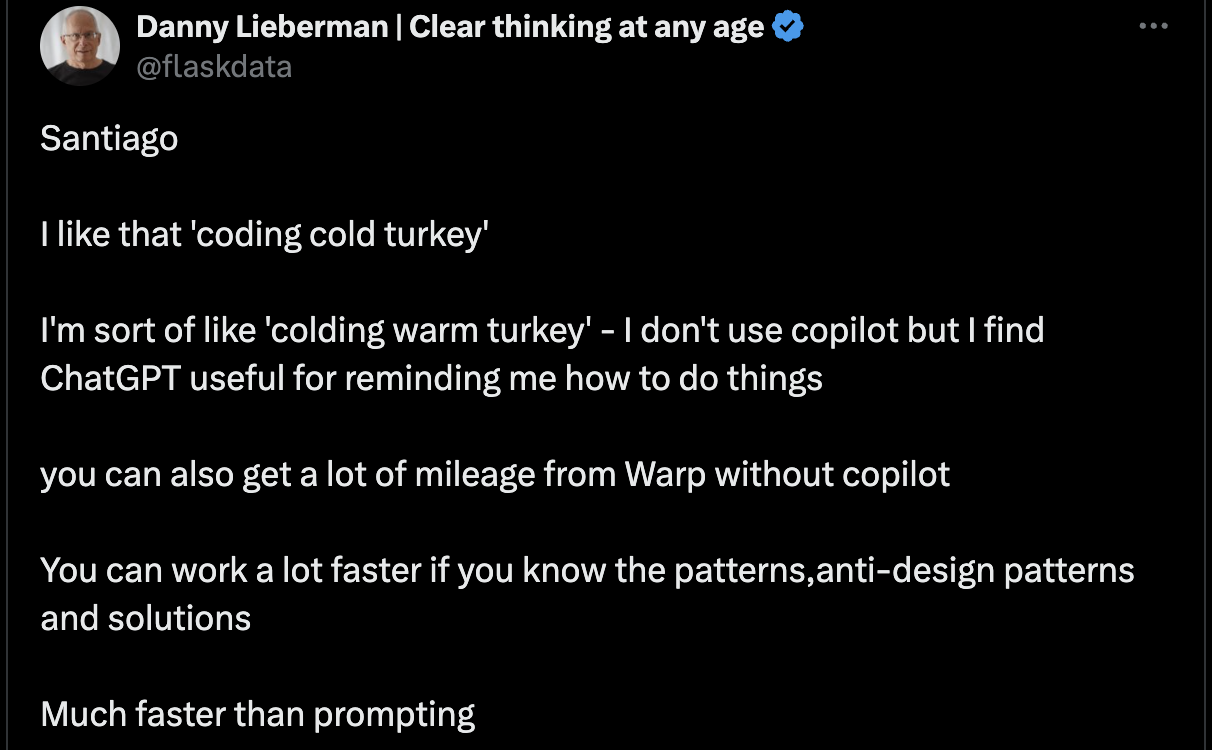
For seasoned professionals, these interruptions can be more of a hindrance than a help, breaking the focus needed for complex problem-solving.
While Copilot might be helpful for simpler tasks, many developers find it lacking in more complex scenarios. Mark, another developer, commented, “LLMs are great for a particular type of coding, not all, by far.”
“I Don’t Know Coding”
The use of Copilot also raises concerns about the learning process for new developers. Ross Murphy expressed a cautionary note: “If you ever want to create anything new, you’re going to need to understand how to actually write code, and not just use a glorified copy-paste tool.
Using GitHub Copilot is one sure-fire way to never actually learn how to do coding.

Developers emphasise the importance of maintaining a clear mental model of their code. Copilot is not very useful for anything beyond auto complete. As a programmer, you want to have full context in your head of how a chunk of code works. Sometimes, Copilot suggests something more advanced and ends up in the waste of several hours.
Similarly, AI tools like Copilot are known to sometimes generate incorrect or nonsensical code, a phenomenon known as “hallucination.” Han MF Brolo simply stated, “It hallucinates too much.” This issue can be particularly frustrating, as it forces developers to spend additional time reviewing and correcting code that should have been accurate from the start.
And apart from the hallucinations and wrong answers, many developers are sceptical about actually using the code within their production due to copyright issues. Copilot, trained on a vast amount of public code, might sometimes suggest code with security flaws or outdated practices, posing risks if used without proper review.
Additionally, since Copilot is trained on public code, it might generate snippets that resemble copyrighted or licensed code, potentially causing legal issues if used inappropriately, particularly in commercial projects.
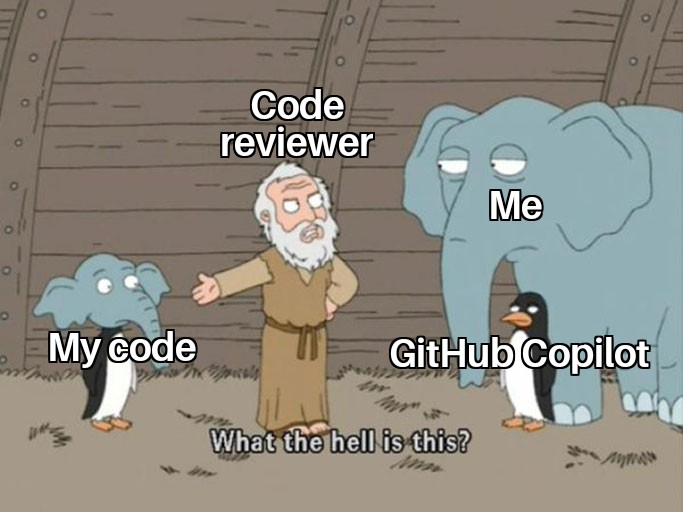
It may also generate code that doesn't match a team’s coding standards or architecture, leading to inconsistencies and requiring extra time for refactoring and review. People have been frustrated with this and have slowly stopped adopting such AI tools.
Not For Everyone
Given these challenges, many developers are turning to alternatives or choosing to code without AI assistance altogether. Some have found more satisfaction with other tools: “I use Cursor. I’ve tested both, and I must admit that Cursor is much better. Since I started using it, I’ve been more productive, I manage to do a lot more in a workday. It’s impressive.”
This suggests that while Copilot may not be the perfect fit for everyone, other tools might better align with certain workflows and preferences. Some people simply want chatbots like ChatGPT or Claude to generate the whole code as they don’t know what they are doing in the first place.
For some developers, the decision to use or avoid Copilot boils down to its value proposition. As Mike Rybka explained, “Used it for about 6 months. In the end, I felt like it threw me out of the flow too often. Even though 90% of the time the suggestions were accurate, you still have to double-check everything anyway. I find it easier to just type out exactly what I want, even if it takes longer.”
The need to verify Copilot's output can negate any time savings, making it less appealing for those who prefer to work with precision.
Ultimately, whether or not to use GitHub Copilot depends on individual preferences, the nature of the coding tasks, and the level of expertise.
- From Humanoid Robots to Telecom Trials, 12 Major Announcements at NVIDIA GTC Berlin 2026
- Anyone Can Make a Robot Move, Few Can Make It Stop
- After ISRO’s PSLV Failure, TakeMe2Space Looks to SpaceX for Reliable Launch
- Why AI Agents are the Next Frontier in Quantum Security
- Physical AI Squeezes Labour Market, And Low-Skilled Immigrant Jobs May Be First to Fall
- Rocket Math Isn’t Mathing: Why India’s Space Launches are Expensive