
5 min
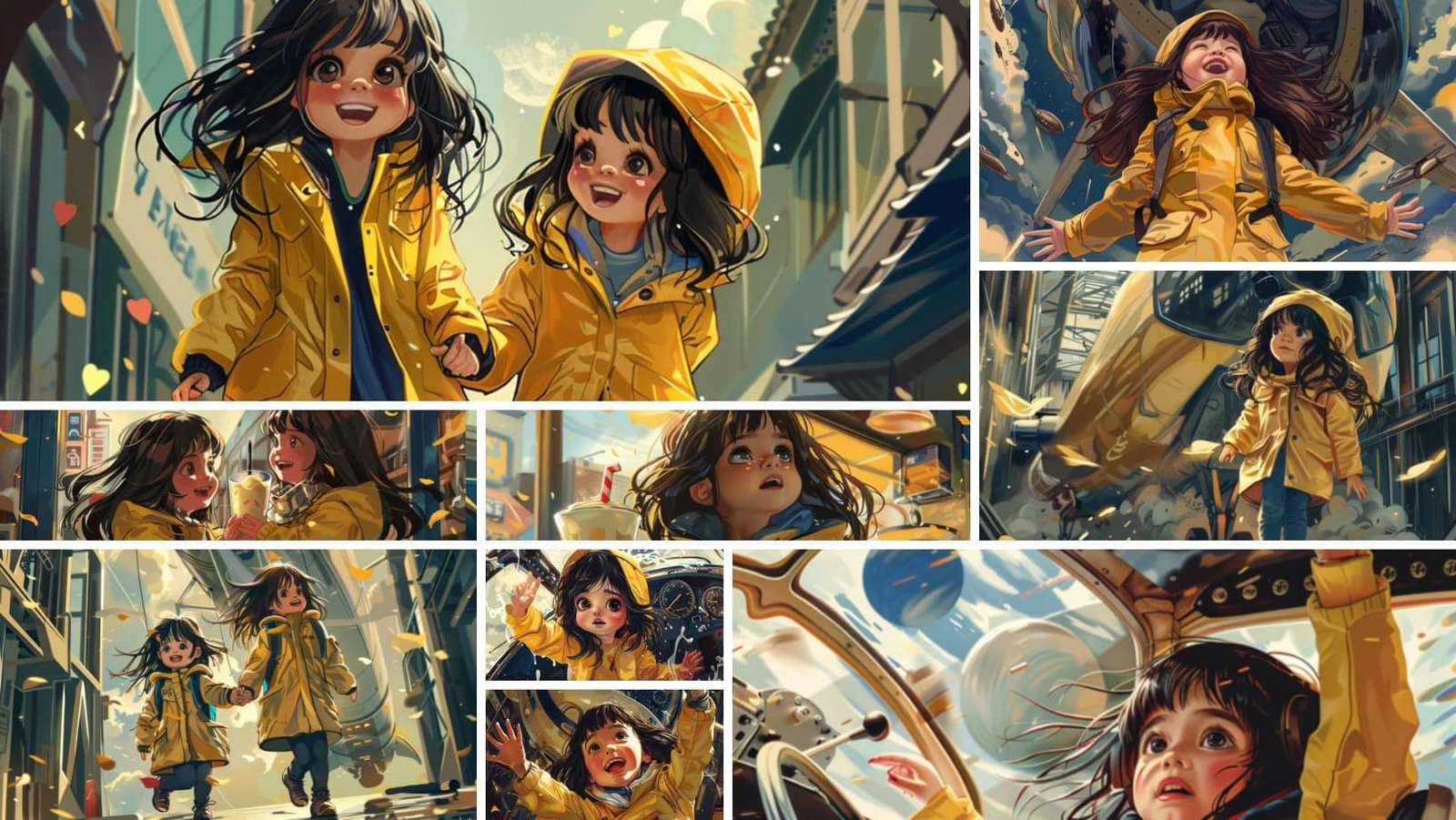
San Francisco based generative AI research lab Midjourney has released the new feature called “Character Reference” that claims to generate consistent characters across multiple reference images, a struggle users have been going through for a while now.
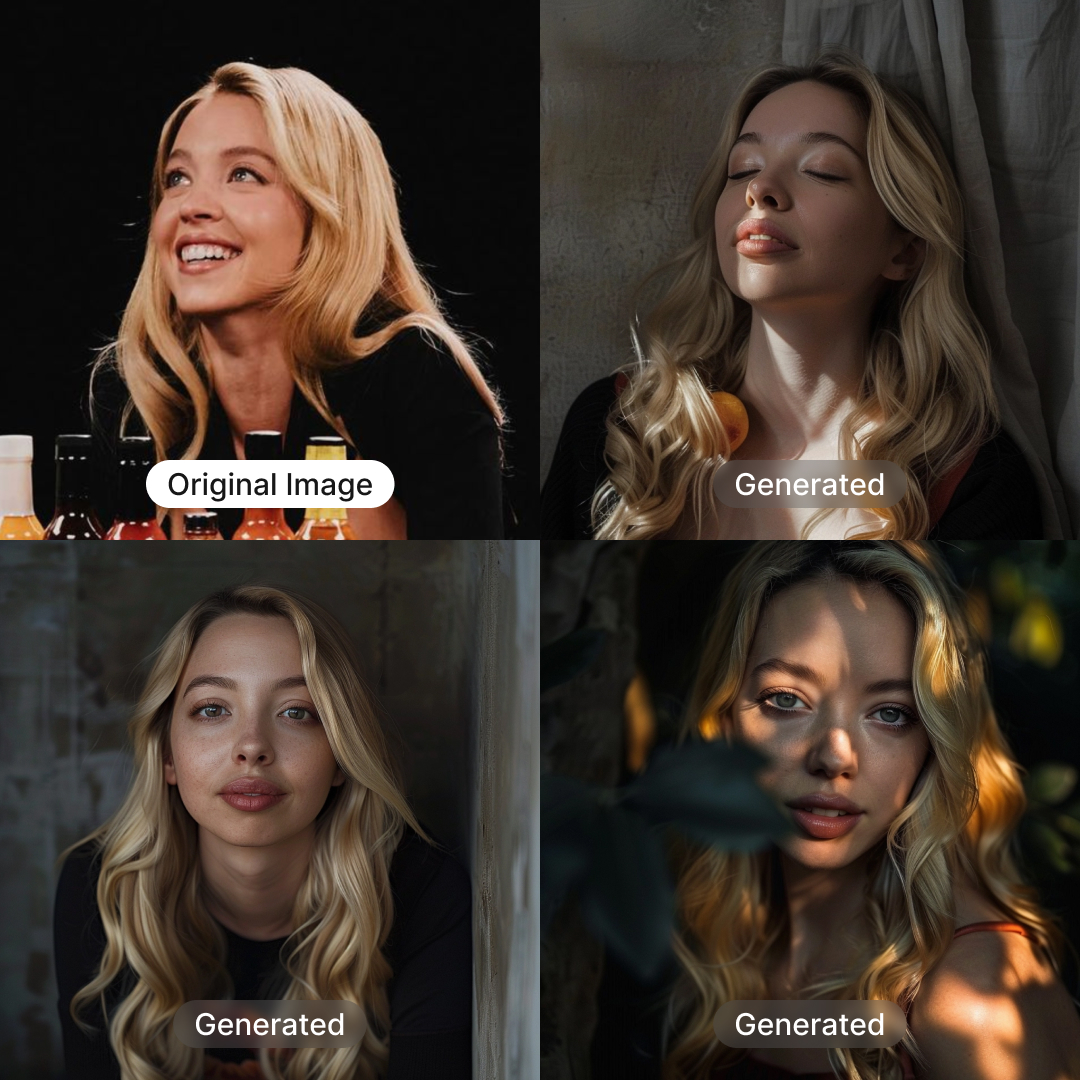
Source: Dogan Ural on X
How it Works
- Type "--cref URL" after your prompt with a character image URL.
- Modify reference 'strength' using "--cw" from 100 to 0.
- Default strength 100 (--cw 100) considers face, hair, and clothes.
- Strength 0 (--cw 0) focuses only on the face (ideal for changing outfits/hair).
- Blend information from multiple images using "--cref URL1 URL2" (similar to multiple image or style prompts).
Generate Character Image
- Retrieve or generate the character image URL through Midjourney.
- Use "--cref" followed by the URL to generate the character in various settings.
Adjust Image Variance
- Control how closely the new image reproduces the original character.
- Use "--cw" followed by a number (1 to 100) to adjust the variance.
- Lower numbers provide more variation.
- Higher numbers closely follow the original reference.
Advanced Options and Considerations
- Use multiple "--cref" tags with respective URLs to blend information from multiple images.
- In Midjourney's web alpha version, users can drag or paste an image, selecting it as a prompt, style reference, or character reference.
Several users have taken to social media to appreciate the new feature.
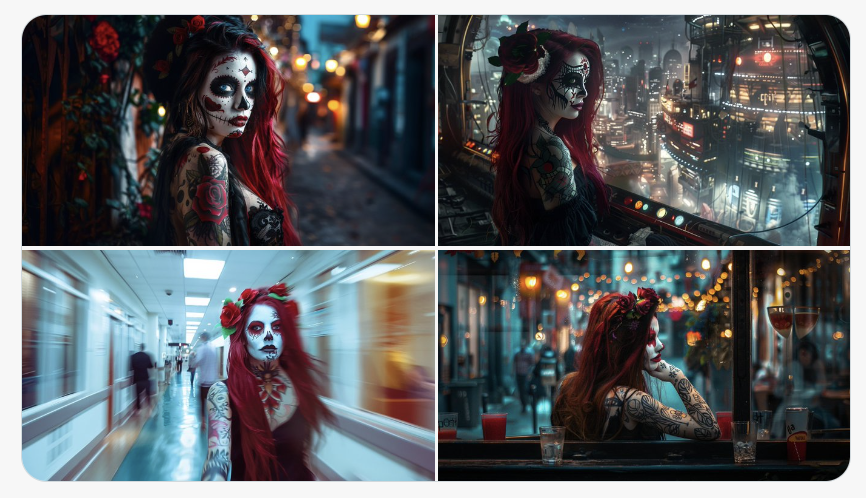
Source: Deedy (X)
- SAP India Targets 2 Million People for AI Skilling by 2030
- Google Announces Gemini 4 Carbon With Focus on Cybersecurity and Coding
- Sarvam, Krutrim Account for 68% of Indic AI Funding as Sector Raises $687 Million: Tracxn
- Alphabet Revenue Jumps 25% as Google Cloud Doubles & Search Growth Slows
- ‘You’re Not Doing This AI Stuff,’ Databricks CEO Tells Snowflake
- HCLTech Launches Nano GCC Model With AWS to Build AI Operations