Key takeaways
- NVIDIA launches G-Assist, an AI assistant for optimizing gaming performance on RTX PCs.
- G-Assist simplifies complex PC settings through voice or text commands for better user experience.
- Future updates will extend G-Assist support to laptop users for enhanced gaming performance.
- The assistant utilizes a Llama-based language model for efficient local operation on RTX hardware.
- G-Assist focuses on specific functions, not general conversational AI capabilities.
NVIDIA, on Tuesday, announced the availability of an experimental version of the Project G-Assist System Assistant via the NVIDIA app. This comes as a feature for GeForce RTX desktop users to optimise games and tweak system settings.
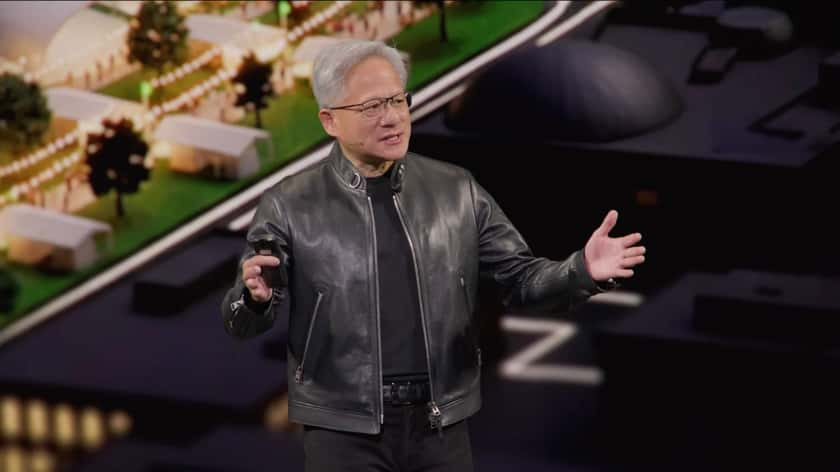
The company showcased its Project G-Assist at Computex 2024, where a tech demo teased how AI assistants could help gamers, creators, and others improve the PC experience.
The company explained that as modern PCs become more powerful, they have also become increasingly complex to operate. There are numerous combinations of hardware and software settings necessary for configuring a PC to extract every bit of performance.
To simplify this experience, it built Project G-Assist, an AI assistant that runs locally on GeForce RTX AI PCs. The company aims to add support for laptops in a future update.
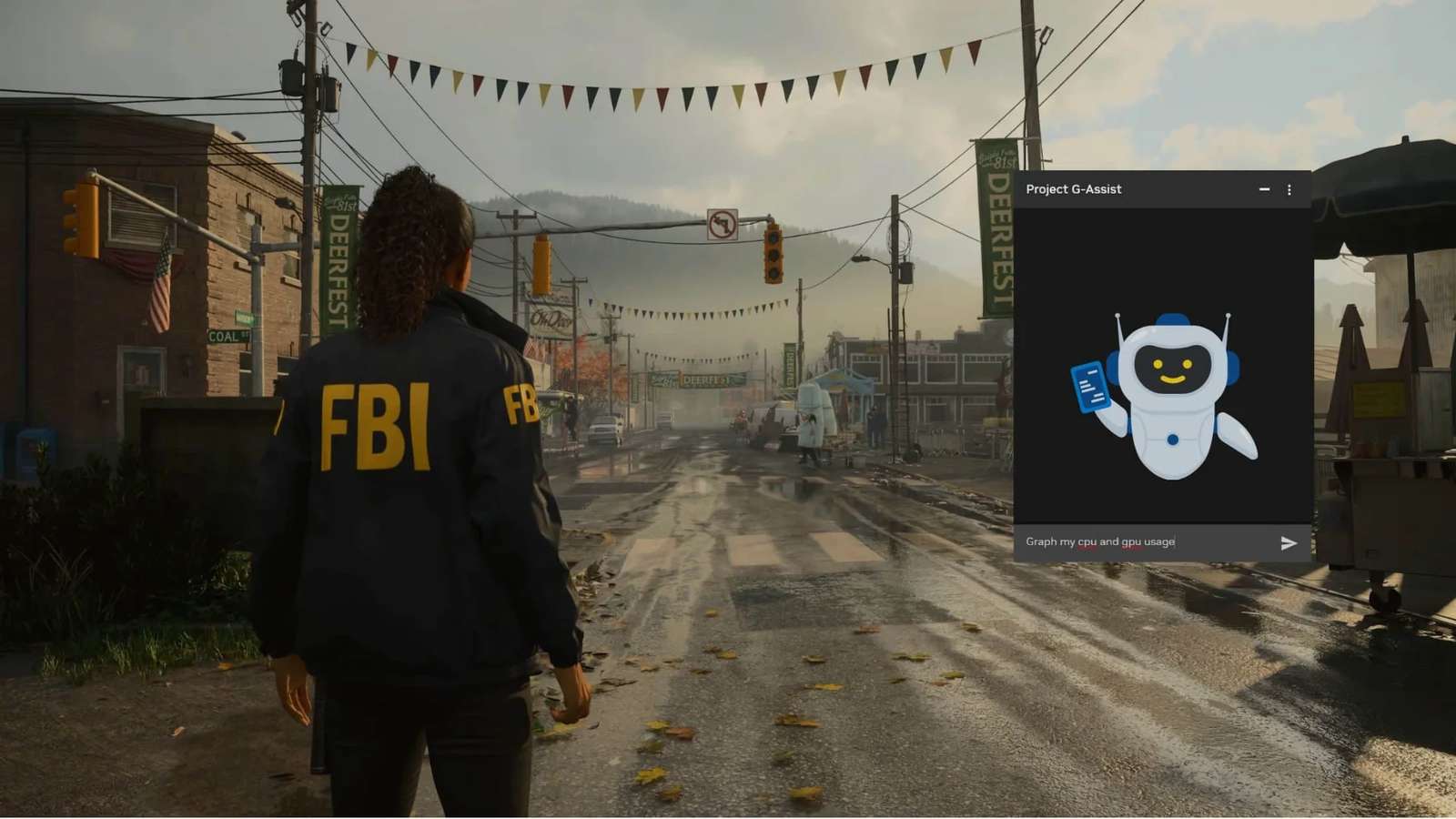
G-Assist enables users to do various tasks, from optimising games to changing system settings for maximum frame rates, checking performance stats, managing the lighting of the peripherals, and more via basic voice or text commands.
Under the hood, the AI assistant uses a specially tuned Llama-based small language model (SLM) to easily decode the user instructions and interact with APIs to execute expected actions. This allows it to run locally on GeForce RTX hardware. The company clarified that it is not intended to be a broad conversational AI, but only for certain functions.
The assistant can also provide real-time recommendations and diagnostics to help troubleshoot system bottlenecks, improve power efficiency, overclock a GPU, and more.
Users can download G-Assist through the NVIDIA app’s Home tab and launch the assistant by pressing Alt+G upon installation. However, the company mentioned that it could result in a short dip in performance when launched during GPU-heavy applications.
The minimum system requirement of the AI assistant includes Windows 10/11 as the operating system, GeForce RTX 30 series desktop GPU or above, GeForce 572.83 driver or later, and any Intel Pentium G series or AMD FX chip or higher.
Spotted an error? Tell our editors. Read our editorial standards and corrections.