Key takeaways
- TensorFlow.js allows machine learning models to be deployed directly in the browser using JavaScript.
- The library is compatible with both browser and node.js, enhancing versatility for developers.
- Utilising WebGL, TensorFlow.js significantly speeds up neural network execution by harnessing the device's GPU.
- It includes a Layers API for building models and tools for importing existing TensorFlow and Keras models.
- TensorFlow.js evolved from deeplearn.js and offers a range of tools for machine learning in JavaScript.
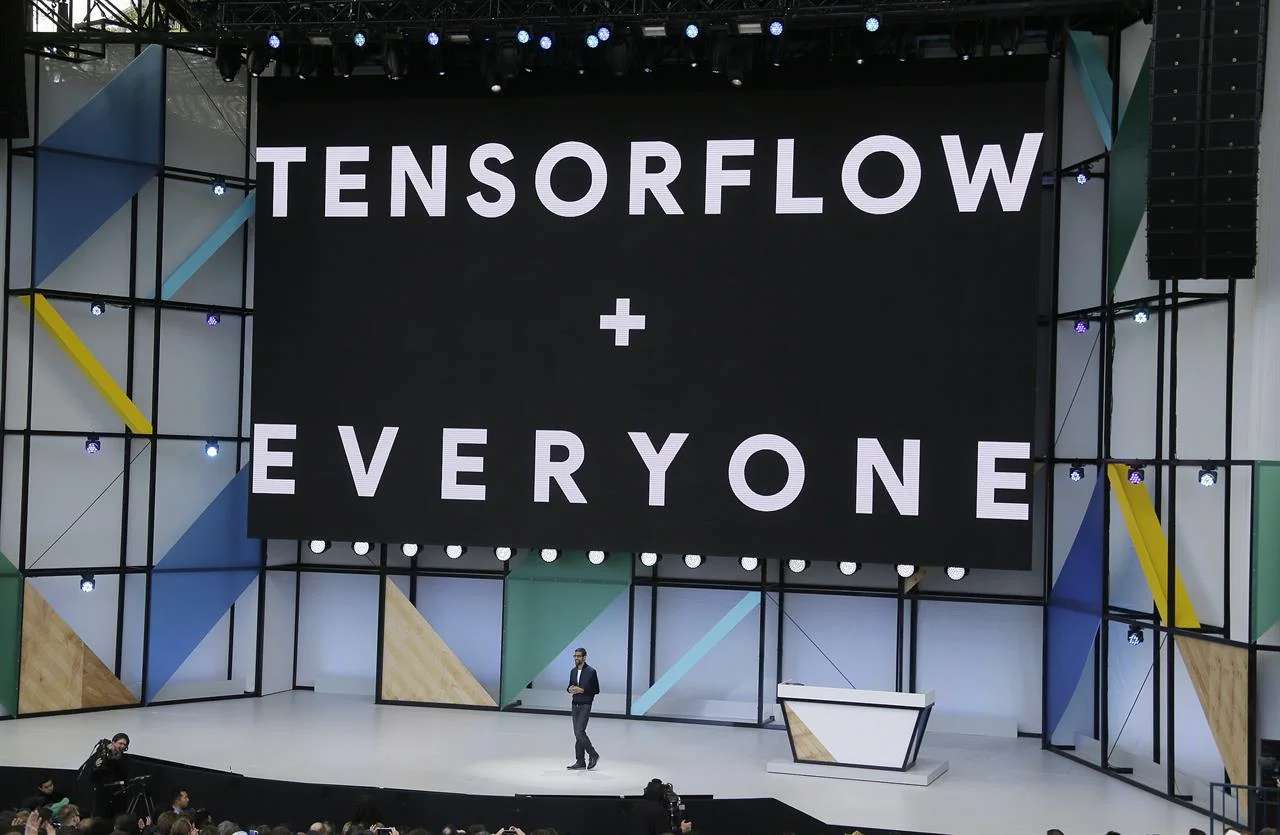
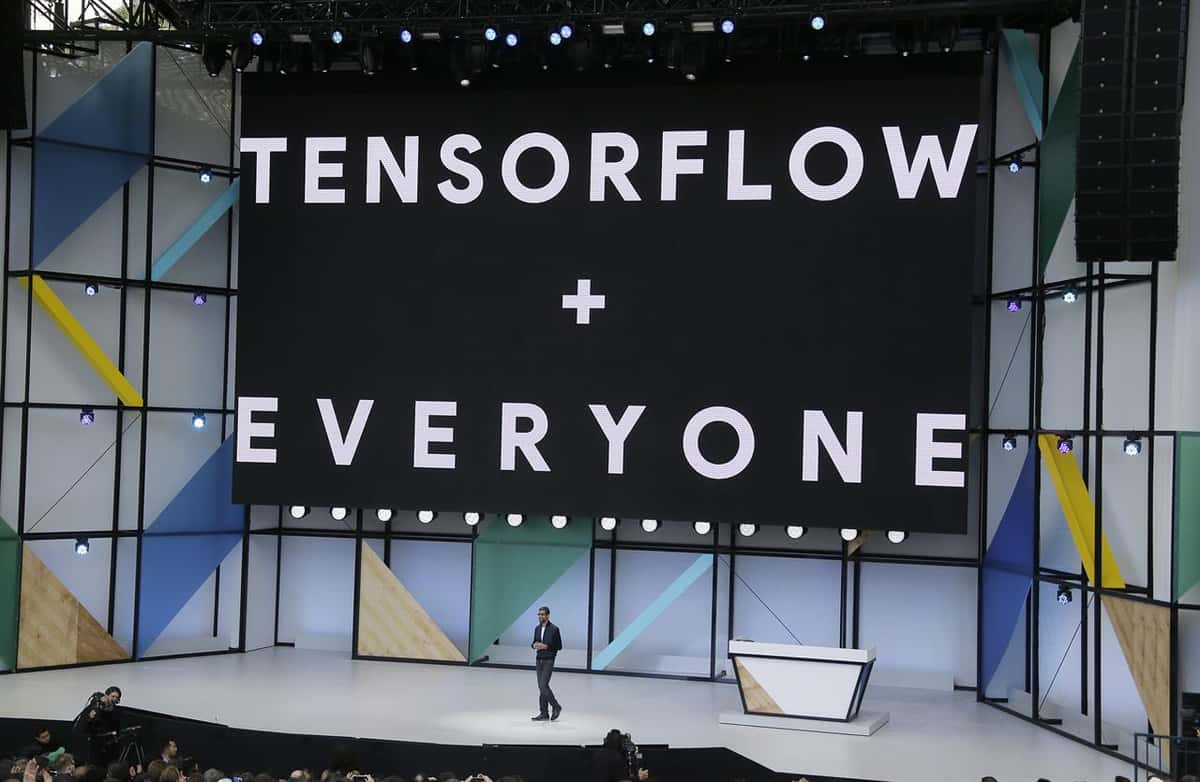 Good news for all JavaScript fans and programmers! TensorFlow, Google's open source machine learning library has now been extended to include JavaScript with Tensorflow.js. This library has been created for deploying machine learning models in the browser.
According to their official FAQ section, the Tensorflow.js allows the same JavaScript code to work on both the browser and node.js, while binding to the underlying TensorFlow C implementation in node.
One of the main reasons why Tensorflow.js is fast is because it utilises WebGL, a JavaScript API that allows you to render graphics in browsers using the device’s Graphic Processing Unit (GPU). This speeds up the execution of neural networks, while allowing you to run ML models locally on individual devices without having to access the server, or make trips to and from the backend.
TensorFlow.js is an ecosystem of JavaScript tools for machine learning which reportedly evolved from deeplearn.js. Another update has said that deeplearn.js is now called TensorFlow.js Core. TensorFlow.js also includes a Layers API — a higher-level library for building machine learning models — as well as tools for automatically porting TensorFlow SavedModels and Keras HDF5 models.
A noted online tech website says that TensorFlow.js APIs can be used to build models using their "low-level JavaScript linear algebra library or the higher-level layers API". The existing models can be retrained using sensor data connected to the browser.
In fact, the TensorFlow or Keras model can be imported into the browser. "Yes! We have two tutorials for importing TensorFlow models. One for the TensorFlow SavedModel format, and one for importing Keras HDF5 models," said the official release.
Spotted an error? Tell our editors. Read our editorial standards and corrections.