
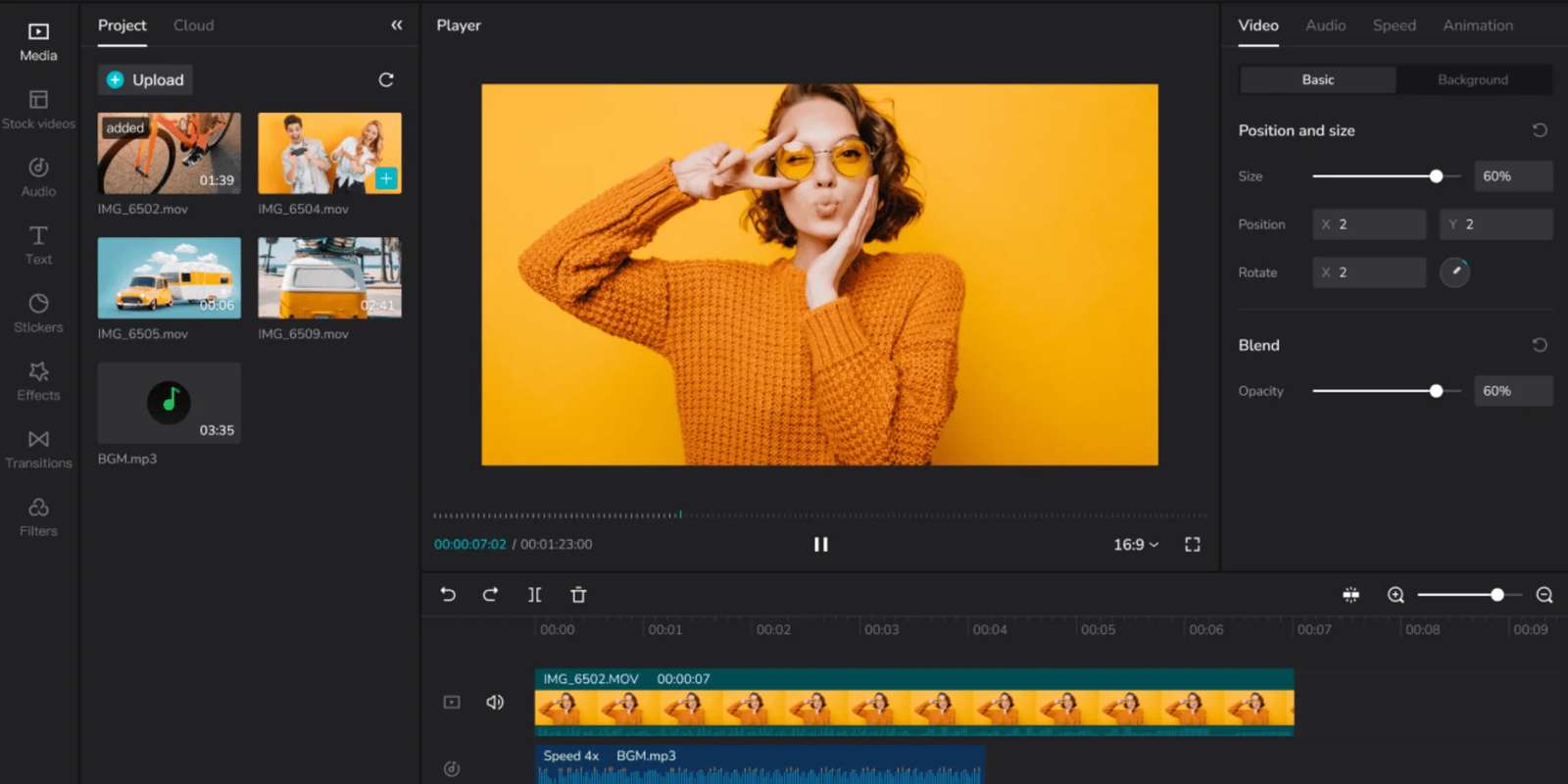
In a world that runs on social media reels for all purposes—TikTok has recently launched ‘CapCut’, a free editing tool which is now available for Windows and can be downloaded in India. The app was created to allow beginners to edit and add features to their videos.
TikTok and CapCut are owned by the same parent company called ‘ByteDance’. Both the apps are currently banned on Android and Apple stores in the country. However, the new in-built editing tool via the app is available on Windows for short-form video creators.
Formerly known as ‘Jianying’ in China, the app allowed users to make their video ‘look professional’, by adding features such as to change the speed, cut, reverse, add music, text and transitions, apply stickers, and much more. A report by Sensor Tower claims that the older version had received over 250 million installs worldwide from the App Store and Google Play.
In December 2020, ByteDance rebranded the app as CapCut, and it has remained the same to allow users to edit and post videos.

One can begin by clicking on the "New Project" button and add pictures and videos from the gallery to edit. In the "editing" section, options appear from the bottom, allowing the user to edit by adding audio, effects, text, transitions, overlay among other things. The pictures or videos can be viewed in advance to derive the final output.
The installation file is of 333Mb which can be downloaded from the official website as well. But it comes with a small catch of not pulling all trending audio or templates from TikTok servers in India as the app remains banned.
- Amazon Warns Engineers Against AI Productivity Traps in Latest Memo
- Gnani AI Launches Prisma v3.0 Speech Recognition Model for 10 Languages
- Venttup Raises $3 Million To Expand Precision Manufacturing
- Articul8 Launches Bivia To Help Enterprise AI Agents Make Decisions
- NVIDIA Launches Open-Weight Transcription Model for 40 Languages
- Sarvam AI Rolls Out Indus Cowork to 2,500 Maharashtra Govt Officials