
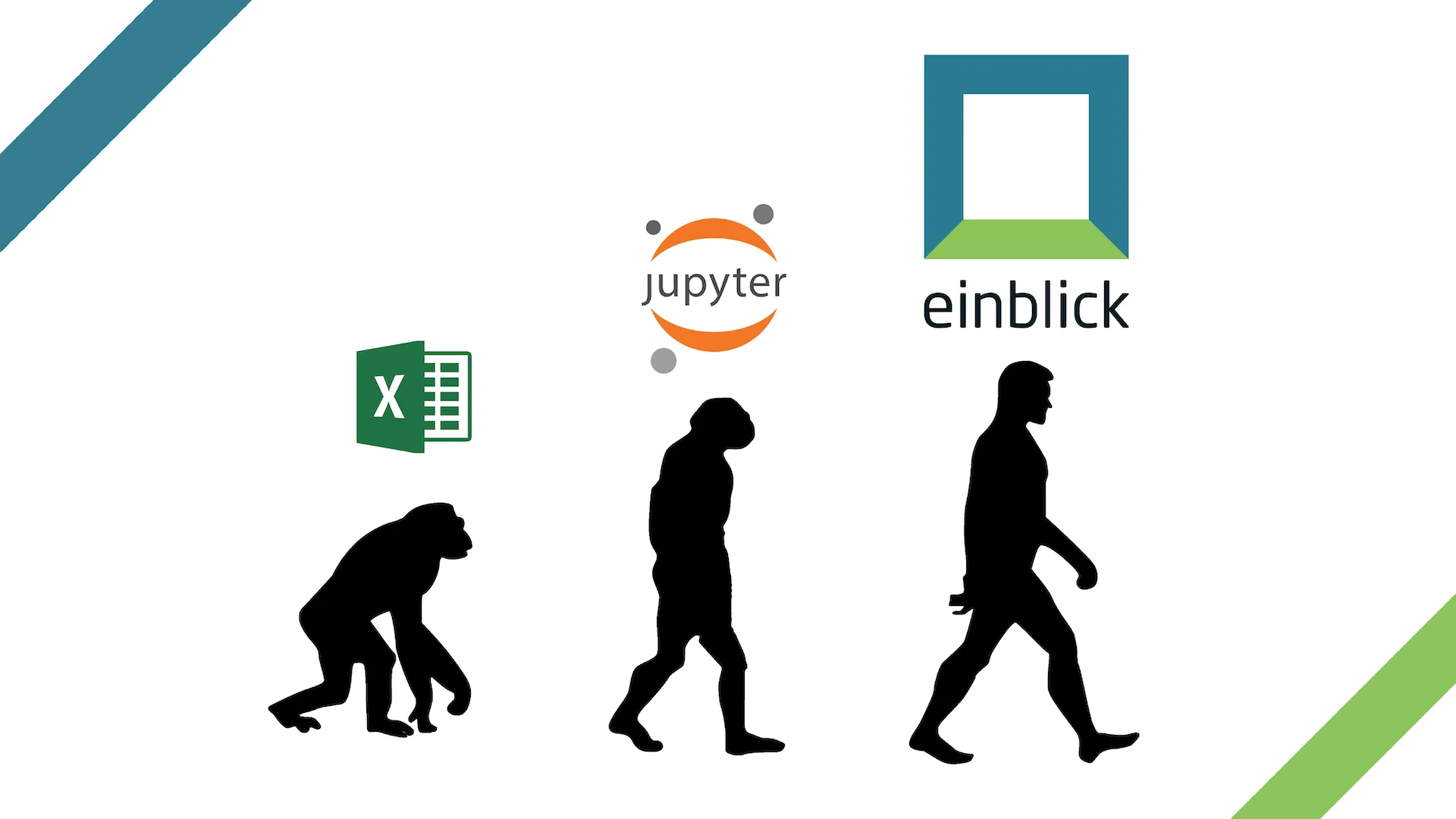
You can do a lot in a notebook–from preprocessing data to EDA to tuning machine learning models–which is great! But, in notebooks, there’s a lot of upfront work that you, as data scientists, must do every time before and as you start analyzing data and building models. Then, you have to scroll through dozens of Python cells to compare models and visualizations.
As infuriating as Python notebooks can be, there are certain aspects of notebooks that are functional and convenient in today’s data science workspace. Einblick eliminates repetitive and mundane everyday tasks with an innately collaborative visual canvas and a remarkably fast progressive computational engine.
To that end, we have embedded some of the best aspects of data science notebooks into Einblick’s platform so that our users can import existing code while simultaneously reaping the benefits of Einblick’s unique capabilities.
What’s New: Notebook Features
The new features equip data scientists with easy ways to continue existing work, collaborate with others, and move seamlessly from any Python notebook to Einblick’s innovative environment.
- Import any Python notebook into Einblick, and resume work immediately, without the limitations of a notebook
- Classic keyboard shortcut (Cmd + Enter–Ctrl + Enter on PC) lets you run Python cells with a couple of keystrokes.
- Einblick’s Python cells all run in the same kernel, allowing you to save and manipulate variables across cells.
Einblick Enhancements
- Drag your cleaned dataframe directly onto the canvas as a table or chart from your Python cell, bridging the code and visual environment
- Share your entire workspace with non-technical stakeholders and discuss results directly on the canvas together.
- Kick-off and compare ML models from multiple AutoML runs at once, side-by-side
- Speed up exploratory data analysis by creating multiple visualizations and analytic operators from the same Python cell
- Utilize Einblick’s progressive computation engine with operators like AutoML
Get Started with Einblick
In order to leverage all of Einblick’s capabilities on an existing project, let’s first open Einblick’s Main Menu. Once you’re there, you can import a notebook one of two ways.
I) Import a Notebook
Option 1: Click the “Import Notebook” button in the upper right-hand corner
Option 2: Drag and drop a notebook into the Main Menu
Now that you’ve imported a notebook, Einblick has created a new canvas, pre-populated with all of the markdown and Python cells from your original notebook. It’s still in the same order, too–but now you have the freedom of an expansive, collaborative, highly visual canvas.
- Run your Python cells
We’ve added a familiar keyboard shortcut to Einblick’s functionality–Ctrl + Enter on PC and Cmd + Enter on Mac–to run a Python cell.
You’ll also notice familiar square brackets on the left side of every Python cell in an Einblick canvas. Now you can track the order in which your cells have been run, regardless of their location on the canvas.
II) Grab your data
- Using an Einblick connector: Create a database connection, and then use the SQL operator to write your desired query directly onto the canvas.
- Working with a CSV: If you’ve already uploaded a CSV, simply find it using the “+” button under datasets. Otherwise, hit the “create a new dataset” button and upload it directly.
- Connect with an API or driver: If you’re pulling in data within the script, you should be all set already! Einblick supports installing the packages you need in order to pull in data from external sources. Make sure you have the `%pip install` at the top. Just make the data eventually turn into a pandas dataframe
III) Accelerate your data science workflow with Einblick’s operators
At Einblick, we’ve created operators, essentially pre-packaged bits of code that you can use, so you don’t have to Google syntax–AGAIN. You can find a full list of our operators on the left side of every Einblick canvas. Here’s a short list of popular ones, grouped into categories:
- Code
- Python Cell: keep going with your analysis in Python. Cells connected to other cells will run together as a multi-step workflow; disconnected cells use the latest global state as in a notebook.
- SQL Dataset: connect to a SQL database instantly
- Core
- Chart: encompasses bar chart, heatmap, scatterplot, and more
- Profiler: quickly scan over your dataset all at once
- Table: display a table that supports no-code aggregation and filtering
- Data cleaning
- Detect Outliers: The IsolationForest algorithm detects outliers in a dataset using the specified columns.
- Remove Duplicate Rows: removes all (but one) duplicate rows from a dataframe.
- Machine learning
- AutoML: easily build accurate models (and drag each one out to compare pipelines)
- Extract Text Features: turn columns with free text into many columns of keywords that can be used in further predictive analysis
- Statistical analysis
- Correlation: find correlations between columns in a dataset
Key Driver Analysis: automatically discover fundamental patterns/drivers in your data

Your reaction
Discussion
What's your take on this story?
No comments yet — be the first to share your view.