
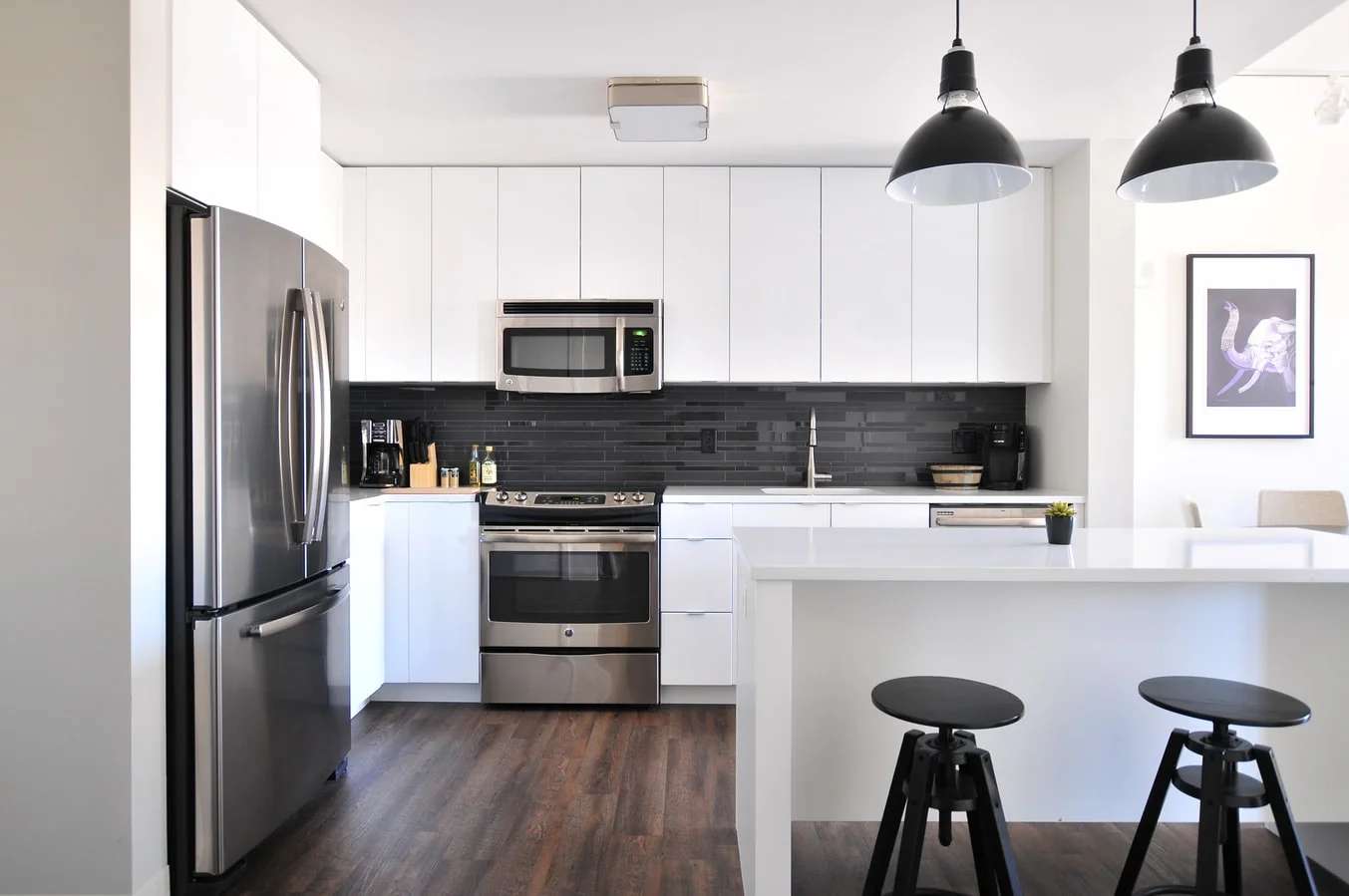
Researchers at Apple, Mike Roberts and Nathan Paczan have developed a holistic indoor scene understanding photorealistic synthetic dataset called Hypersim containing annotations for per pixel ground truth labels and corresponding ground truth geometry, material information, and lighting information for every scene. A research paper was published recently by the authors under the same “Hypersim: A Photorealistic Synthetic Dataset for Holistic Indoor Scene Understanding”. Dataset consists of synthetic scenes of 77400 images of 461 indoor images, which is crafted by professional artists.
Overview

For each an RGB image the following operations are done by Hypersim:
(a) including ground truth layer depths
(b) predicting surface normals
(c) providing instance-level semantic segmentations
(d, e) diffusing reflectance
(f) diffusing illumination
(g) a non-diffused residual image that shows lighting effects.
(h) diffuse reflectance, diffused illumination, and non-diffused residual layers are stored as HDR images and can be used for reconstruction.
The computational pipeline

The pipeline takes as input unlabeled triangle mesh, an artist-defined camera pose, and an initial V-Ray scene, this data is processed to produce an output of images with the ground truth labels and geometry. The next step is to inspect the availability of free spaces in the scene. These results will be used to modify our V-Ray scene to include the trajectory, to generate a collision-free camera trajectory, and to access the cloud for passing the images. Using our interactive tool parallelly the scene’s triangle mesh is annotated. Afterwards, rendered images make use of mesh annotations. This pipeline design enables to re-annotate scenes and works iteratively without each time making calls to the cloud for rendering images.
Interactive mesh annotation tool

The following scene shows a table containing multiple objects, the tool has several filters and can group it to leverage a semantic instance view shown in figures a, b, and c. In figure b and c the filters enable labels encompassing the table without touching anything from the floor, walls, or other objects. After the table is grouped figure d and e show semantic label view which is easily available from the toolkit and based on the current state of the mesh a set of selection filters may be used to limit editing operations. The white colored objects represent parts of the mesh that have not been painted. The dark gray colored objects represent parts of the mesh that have been painted earlier but not painted in the current view. Lastly, the tool enables the users to accurately apply annotations to any input mesh with very rough painting gestures.

A tight 9-DOF bounding box for semantic instances, so that dataset can be applied directly to 3D object detection use cases.
Code Snippet
GitHub repository to download and use the dataset and toolkit
Following is an example to generate camera lens distortion:
from pylab import * import h5py# parameters fov_x = 45.0 * np.pi / 180.0width_pixels = 1024 height_pixels = 768 width_texels = 2*width_pixels + 1 height_texels = 2*height_pixels + 1# output camera_lens_distortion_hdf5_file = "camera_lens_distortion.hdf5"# Generate rays in camera space. The convention here is that the camera's positive x-axis points right, the positive y-axis points up, and the positive z-axis points away from where the camera is looking.fov_y = 2.0 * arctan((height_texels-1) * tan(fov_x/2) / (width_texels-1))uv_min = -1.0 uv_max = 1.0u, v = meshgrid(linspace(uv_min, uv_max, width_texels), linspace(uv_min, uv_max, height_texels)[::-1])rays_cam_x = u*tan(fov_x/2.0) rays_cam_y = v*tan(fov_y/2.0) rays_cam_z = -ones_like(rays_cam_x)rays_cam = dstack((rays_cam_x,rays_cam_y,rays_cam_z))with h5py.File(camera_lens_distortion_hdf5_file, "w") as f: f.create_dataset("dataset", data=rays_cam)
Following is an example to generate camera trajectory
from pylab import * import h5py import pandas as pd import sklearn.preprocessing# parameters reconstruction_roi_min = array([ -8000.0, -8000.0, 0.0 ]) reconstruction_roi_max = array([ 8000.0, 8000.0, 0.0 ]) camera_roi_min = reconstruction_roi_min + array([ -9000.0, -9000.0, 0.0 ]) camera_roi_max = reconstruction_roi_max + array([ 9000.0, 9000.0, 20000.0 ])num_keyframes = 20 camera_frame_time_seconds = 1.0# output camera_keyframe_frame_indices_hdf5_file = "camera_keyframe_frame_indices.hdf5" camera_keyframe_positions_hdf5_file = "camera_keyframe_positions.hdf5" camera_keyframe_orientations_hdf5_file = "camera_keyframe_orientations.hdf5" metadata_camera_csv_file = "metadata_camera.csv"# Compute camera keyframe positions and orientations # Specify a keyframe at every frame camera_keyframe_frame_indices = arange(num_keyframes) camera_lookat_pos = (reconstruction_roi_max + reconstruction_roi_min) / 2.0 camera_roi_extent = camera_roi_max - camera_roi_min camera_roi_half_extent = camera_roi_extent / 2.0 camera_roi_center = (camera_roi_min + camera_roi_max) / 2.0# The convention here is that positive z in world-space is up. theta = linspace(0,2*np.pi,num_keyframes) camera_keyframe_positions = c_[ cos(theta)*camera_roi_half_extent[0] + camera_roi_center[0], sin(theta)*camera_roi_half_extent[1] + camera_roi_center[1], ones_like(theta)*camera_roi_max[2] ] camera_keyframe_orientations = zeros((num_keyframes,3,3)) for i in range(num_keyframes):# The convention here is that positive z in world-space is up camera_position = camera_keyframe_positions[i] camera_lookat_dir = sklearn.preprocessing.normalize(array([camera_lookat_pos - camera_position]))[0] camera_up_axis_hint = array([0.0,0.0,1.0])# The convention here is that the camera's positive x axis points right, the positive y axis points up, and the positive z axis points away from where the camera is looking camera_z_axis = -sklearn.preprocessing.normalize(array([camera_lookat_dir])) camera_x_axis = -sklearn.preprocessing.normalize(cross(camera_z_axis, camera_up_axis_hint)) camera_y_axis = sklearn.preprocessing.normalize(cross(camera_z_axis, camera_x_axis))R_world_from_cam = c_[ matrix(camera_x_axis).T, matrix(camera_y_axis).T, matrix(camera_z_axis).T ] camera_keyframe_orientations[i] = R_world_from_cam with h5py.File(camera_keyframe_frame_indices_hdf5_file, "w") as f: f.create_dataset("dataset", data=camera_keyframe_frame_indices) with h5py.File(camera_keyframe_positions_hdf5_file, "w") as f: f.create_dataset("dataset", data=camera_keyframe_positions) with h5py.File(camera_keyframe_orientations_hdf5_file, "w") as f: f.create_dataset("dataset", data=camera_keyframe_orientations) df = pd.DataFrame(columns=["parameter_name", "parameter_value"], data={"parameter_name": ["frame_time_seconds"], "parameter_value": [camera_frame_time_seconds]}) df.to_csv(metadata_camera_csv_file, index=False)
Benchmark Results
The following is a comparison result shown for hypersim along with other photorealistic indoor scene datasets.

- OpenAI Says AGI is Here. But Not Everyone is Buying It
- Why Oracle is Bringing Post-Quantum Security to Java
- What Really Happens When You Turn Your Selfie Into a 1980s AI Pic?
- AI Agents Are Making Data Security A Bigger Enterprise Problem
- OpenAI is Getting Nervous About Reinforcement Learning
- Meta’s Bold Open-Weight Bet is Meant to Muse Developers