Key takeaways
- Canva launches Magic Layers to convert static AI images into fully editable designs.
- The feature allows users to refine design elements without starting from scratch.
- Magic Layers analyzes uploaded images, creating editable layers for enhanced creative freedom.
- Text elements are restored as live text boxes, maintaining layout relationships.
- Currently available for single-page .png and .jpg files in beta version.
Canva has introduced Magic Layers, a new technology designed to convert static images and AI-generated outputs into fully editable designs in the Canva editor.
In an announcement on March 11, the company said the feature enables users to transform flat images into structured, editable layers, allowing creators to refine and modify design elements without recreating the content from scratch.
According to Canva, the feature addresses a common limitation of generative AI design tools, where outputs are typically delivered as static image files that cannot be easily edited.
“There’s been an explosion of AI-generated content that has, until now, been a dead end. You’d get a finished image you couldn’t edit, refine, or make your own. We think AI should spark creation, not stop it,” said Cameron Adams, Co-Founder and Chief Product Officer at Canva.
“After a breakthrough from our AI research team, we’re introducing Magic Layers so anyone can take a flat image and turn it into a fully editable design inside Canva. There’s no need to start over or to figure out the right prompt. Generation is just the beginning—real creative freedom comes from being able to edit without losing momentum.”
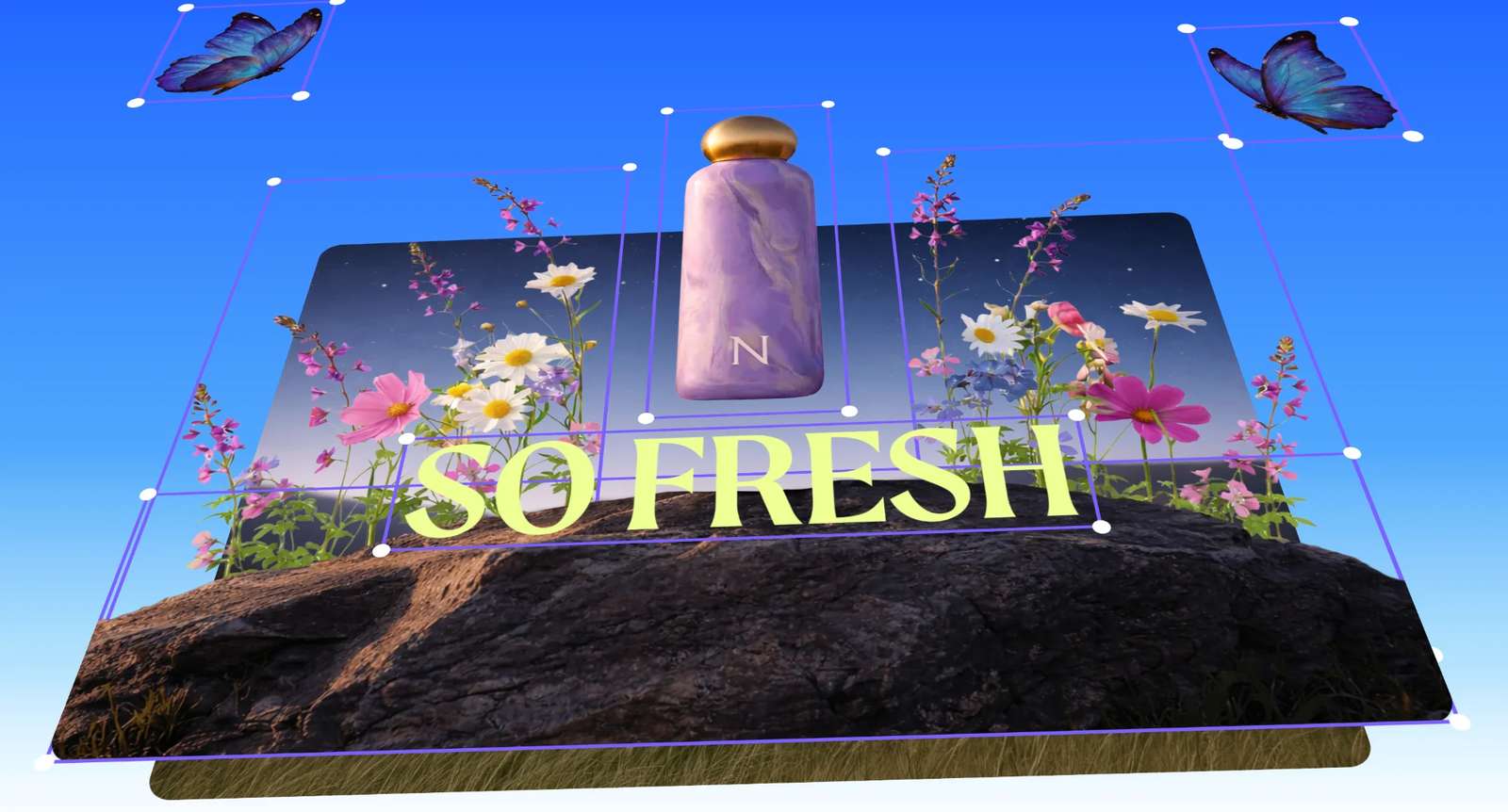
The feature works by analysing the structure of an uploaded image and separating its components into editable layers inside the Canva editor. Text elements are restored as live text boxes, while visual components are converted into movable objects, preserving layout relationships from the original design.
Users can upload single-page .png and .jpg files in the current beta version. Once processed, elements within the image can be repositioned, backgrounds replaced, or fonts modified without rebuilding the design from scratch.
Magic Layers also allows users to generate designs directly with Canva AI and refine them inside the editor, enabling the creation of presentations, documents, and social media posts that remain fully editable throughout the design process.
The technology is built on the Canva Design Model, the company’s proprietary foundation model for design generation. Since its launch in October, the model has generated hundreds of millions of editable presentations, documents, and social posts and also powers Canva’s integrations with tools such as ChatGPT, Claude, and Microsoft Copilot.
Magic Layers is rolling out in public beta starting today in the United States, the United Kingdom, Canada, and Australia, with global availability expected later.
Founded in 2013, Canva provides an all-in-one platform for visual communication and collaboration used by enterprises, small businesses, creators, and students across more than 190 countries.
Spotted an error? Tell our editors. Read our editorial standards and corrections.
Selling to AI teams? Put your brand in front of the 5M+ people who read AIM every month. Plan a campaign