
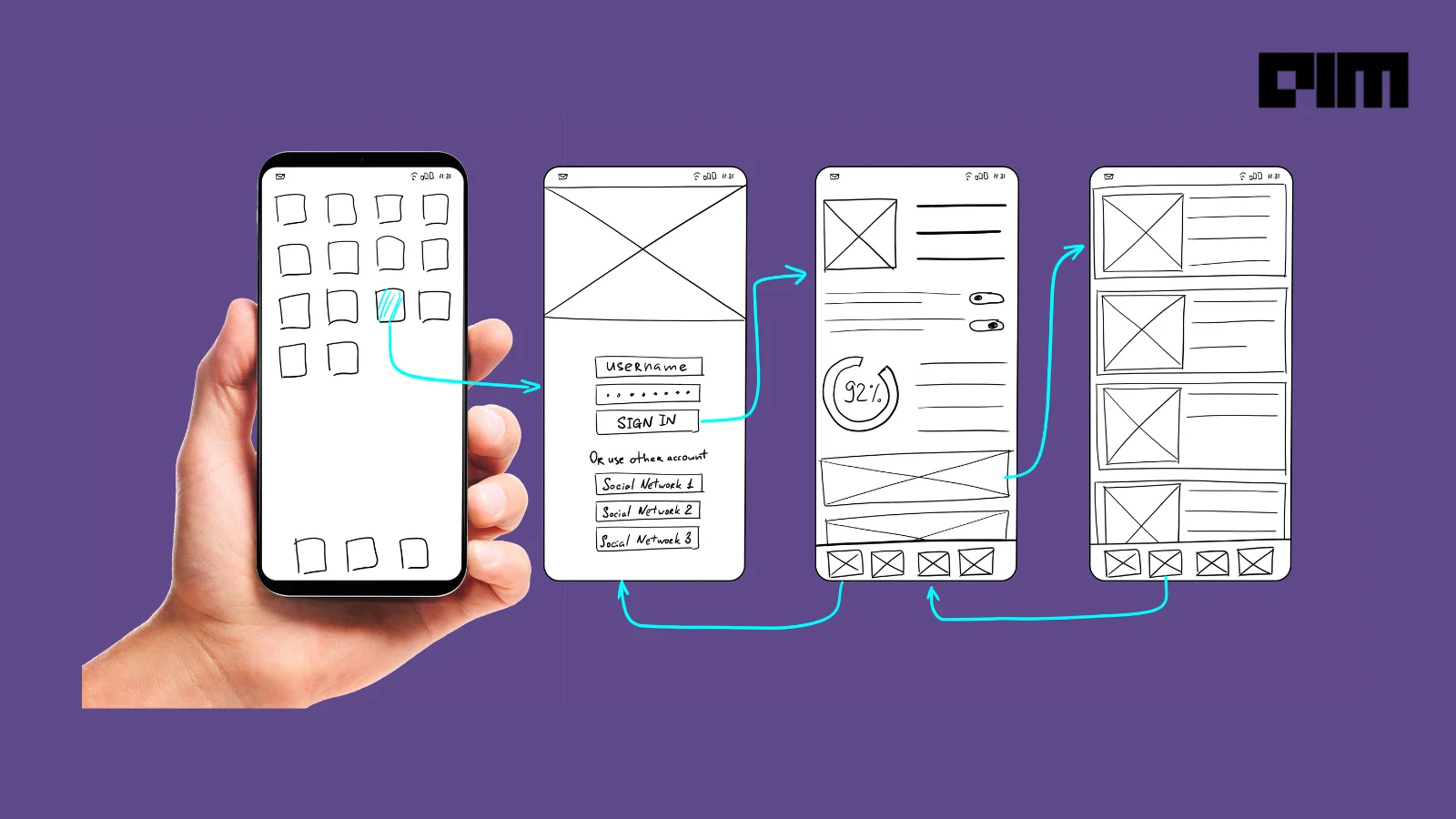
Adobe recently announced the acquisition of Figma, the popular design tool, for a whopping $20 billion. For most developers, Figma has been the go-to platform for creating software prototypes and wireframes.
Which other tools like Figma can replace it in your kit?
Be it wireframing or vector art, we've curated a list of free and open-source design tools that get their inspiration from Figma and do a few things better!
1. Penpot
Penpot has most of the basic Figma features, and its impressive growth rate makes it Figma's toughest competitor. Non-dependent on operating systems, Penpot is web-based and works with open web standards (SVG). It is the first open-source design and prototyping platform meant for cross-domain teams.
Check out its GitHub page to explore further.
2. Pencil Project
The Pencil Project is a standalone app for creating diagrams or UI mockups. It is designed to help developers create mockups across popular desktop platforms. The open-source GUI prototyping software includes pre-built shapes for various design categories but lacks collaboration/multi-user features.

Check out its GitHub page here.
3. Lunacy
Lunacy is a native Windows app that opens, edits, and stores .sketch files. In short, it solves the big pain of design teams working on different operating systems and improves the transition process from design to development.
The graphic designing software combines various built-in assets and other notable features including on-canvas toolbars, cloud sharing facility, multilingual (16 languages), component libraries, smart shapes and code export facility.
You can check out its page to explore further.
4. Akira
Still in its early development stage, Akira aims to be a native Linux app for UI and UX design. The open-source initiative is built in Vala and GTK and focuses on offering a fast approach to UI and UX design, mainly targeting web and graphic designers.
Check out its GitHub page.
5. InVision
The InVision app alone provides only a fraction of Figma's features (it's a prototyping app: designs must be imported from either Sketch, InVision Studio, or as standalone files). Pairing the InVision app with InVision Studio gives designers access to a self-contained ecosystem.
Several international recognisable brands like Sony, Visa, GoDaddy, Atlassian, and LinkedIn use InVision in their design processes.
You can check out its page to explore further.
6. Alva
A radically new digital design tool built for cross-functional product teams. Alva works with your production frontend components, adding up-to-date, responsive, and interactive designs to your living style guide.

You can check out its page here.
7. Mydraft.cc
Another free, open-source tool for wireframing that runs in a browser and does not require you to create an account. As the files are online, one needs to save the URL of the projects to retrieve them.

Check out its GitHub page.
8. Quant-UX
Quant UX is an open-source research, usability and prototyping tool. It tests and analyses visual designs to get data-driven insights. The tool helps users solve problems in a UI design or the UX design of a website, including Android, iOS or mobile apps, to improve the design and make it effective.

(Credits: https://quant-ux.com/#/blog/ux_first_click.html)
You can check out its page to explore further.
9. ReacType
ReacType is a rapid prototyping tool built on Electron that allows users to visualise their application architecture. Along with its drag-and-drop canvas display and real-time code preview, one can draw prototypes and export React/TypeScript code.
With the new version 13.0.0 comes the features to manage state locally, add/delete props, visualise state/props flow and so on.

(Credits: https://github.com/open-source-labs/ReacType)
Check out its GitHub page.
10. Wireflow
Last on the list is Wireflow, a free, online, real-time collaborative, open-source tool for creating user flow prototypes. While the tool is basic, it includes several functions to create user flow diagrams, including over 100 flow elements in 10 categories. Overall, it simplifies the process of user flow planning at an early stage in the product development life cycle.

(Credits: https://github.com/vanila-io/wireflow)
You can check out its page to explore further.

Your reaction
Discussion
What's your take on this story?
No comments yet — be the first to share your view.