
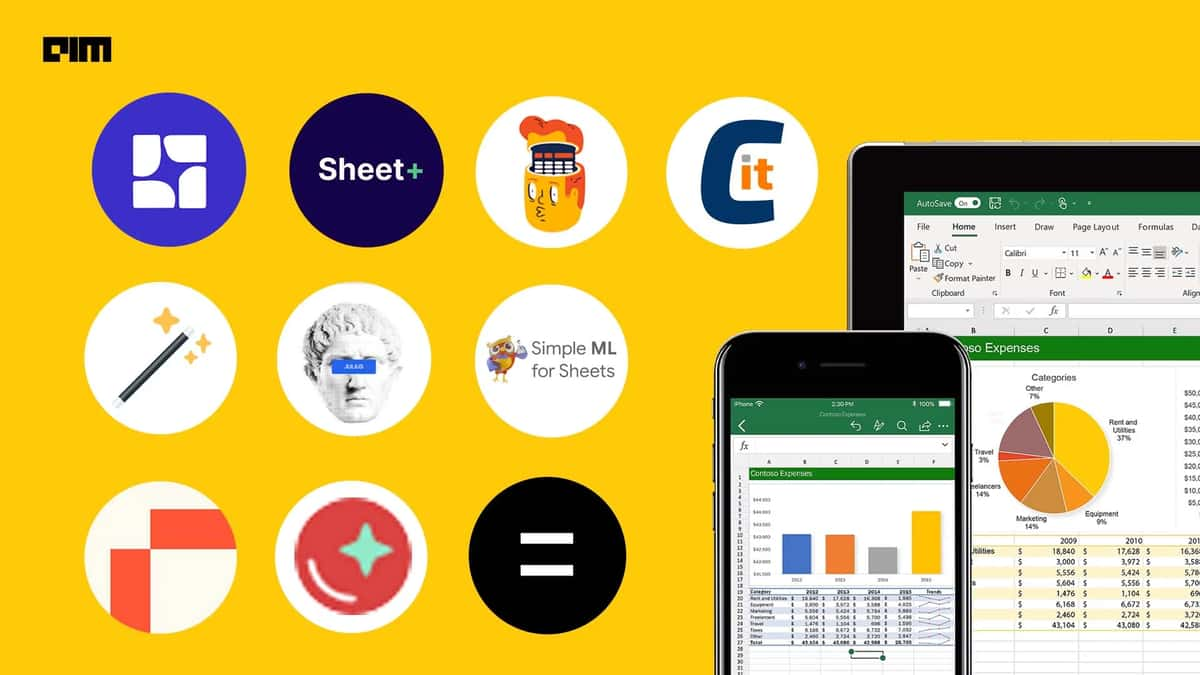
Last year, Microsoft Excel underwent a significant upgrade with the announcement of a public preview of Python integration. This meant that developers and data analysts no longer needed to install additional software to utilise Python's capabilities, as Excel now came bundled with built-in connectors and power query for Python integration.
The integration of Python into Excel fulfils a long-standing developer goal, replacing reliance on tools like Pandas read excel, OpenPyXL, and PyXLL. With Excel's continued popularity for data analysis, this integration signifies a significant advancement, promising to modernise data analysis within the software.
By enabling Excel users to directly access Python's robust libraries for data analysis and visualisation within the Excel environment, this enhancement greatly improves users' data analysis capabilities.
Best AI Tools to Automate Excel Task in 2024
Here's a compilation of 10 AI tools that expedite Excel tasks.
1. Equals
Bobby Pinero, CEO, introduced Equals, a cloud-based spreadsheet application that bridges the gap between one-size-fits-all and complex data platforms.
Equals' key feature is its capability to link spreadsheets directly to data sources. It offers pre-built connectors to popular databases such as PostgreSQL, MySQL, Snowflake, and others, enabling users to write queries that fetch live data.
Equals Uses AI To Bring Unprecedented Capabilities To Spreadsheets
2. Tomat AI
Ofer Ronen, CEO, introduced Tomat.AI, a desktop application designed for effortless handling of large CSV or Excel files. It enables users to open, explore, and analyse data without the need for coding. With its intuitive drag-and-drop interface, users can easily filter, sort, merge, and transform data.
With a familiar Excel-like interface, it streamlines tasks sans coding, and features advanced filters, sorting, and grouping. Compatible with Windows, macOS, and Linux, it supports Excel files, PostgreSQL, and Snowflake connectors, transcending from CSV.
3. Julius AI
Julius, is an AI tool designed to excel in data analysis and enhance one’s Excel experience. It allows users to seamlessly read and interpret Excel documents while delving into sophisticated analyses such as regression and cluster analysis.
Julius' ability to create striking graphs and charts elevates your data visualisation, making it the ultimate Excel AI companion for a wide range of analyses. Unlock the full potential of your data effortlessly with Julius.
4. ChatCSV
ChatCSV is a software tool crafted to aid users in querying their CSV documents and creating visual charts to grasp trends, customer behaviour, and inventory management insights.
With AI capabilities, ChatCSV streamlines data analysis. Users only need to upload their CSV file and begin asking questions. The AI within ChatCSV understands user queries and responds in simple language, presenting an intuitive interface for data exploration.
5. Sheetplus AI
Sheet+ is an AI-powered tool that aims to transform how individuals interact with spreadsheets. It provides a range of features to aid users in crafting precise formulas for Google Sheets and Excel from text, simplifying formula comprehension, debugging, and more.
Recognising the uniqueness of each dataset, it offers personalised suggestions and regular backups to reduce manual input while maintaining utmost accuracy and data security. Additionally, its collection of predefined formulas guarantees immediate access to any required equation for your project.
6. Formula God
Ellis Dunne, the founder of Formula God, created an AI-powered tool that empowers users to leverage artificial intelligence to summon answers and execute previously challenging tasks within Google Sheets.
Formula God simplifies the analysis of Google Sheets data, effortlessly generates tables, graphs, and formulas in real-time. With Formula God, users can access AI-generated formulas tailored to their specific data requirements and seamlessly apply them to their sheets with just a simple command.
7. Chartify
Chartify, an AI-powered data visualisation tool, streamlines the creation of stunning charts from uploaded data. It offers a range of chart types from various libraries like Plotly and Seaborn.
This tool frees users from the tedious process of using chart editors in Google Sheets or Excel or manually coding visualisations in Plotly. It introduces a fresh and engaging approach to data exploration and interaction.
8. Simple ML
Simple ML for Sheets is a no-code machine learning add-on for Google Sheets. It's a tool that enables users to apply basic machine learning techniques (like sentiment analysis, classification, and regression) directly within Google Sheets, the spreadsheet program.
It utilises a decision tree algorithm called Yggdrasil Decision Forests, which is the same algorithm behind TensorFlow Decision Forests. Yggdrasil Decision Forests is scalable and efficient, making it suitable for training models on large datasets.
9. Sheet AI
Sheet AI is a powerful tool that leverages AI to streamline spreadsheet tasks. With advanced algorithms, it automates complex calculations and utilises GPT-3's capabilities within Google Sheets.
It offers four custom functions: =SHEETAI for prompt responses, =SHEETAI_RANGE for data-based queries, =SHEETAI_IMAGE for image creation from descriptions, and RANGESTRING for range-to-string conversion.
With SheetAI, users seamlessly integrate AI into their Google Sheets workflow, automating mundane tasks and boosting productivity. The tool boasts a user-friendly interface, making it intuitive for users to effortlessly leverage AI within their spreadsheets.
10. Rows
Torben Schulz, founder of Rows, created an advanced spreadsheet tool infused with AI capabilities. Rows allows users to import data from various sources, including over 50 integrations like Facebook Ads, Google Sheets, and Stripe, simplifying data analysis across platforms.
Users can prompt the AI to conduct trend analysis, generate graphs, or offer tailored insights effortlessly. With just a single click, it produces visually appealing line charts, bar charts, and more. Additionally, it automatically categorises and tags any text to enhance clarity within unstructured data.
- When Sam Became Ram Ahead of Diwali
- Jev Isn’t An Overnight Fix For Your Lack of AI Fundamentals
- Internet on Alert as AI Uncovers Critical Flaws in PHP Used by 70% of Websites
- From Claude Code Mods to Super Mario: What People Are Building on Jev
- 8 Reasons Why Anthropic’s New Report is an AI Doomer’s Worst Nightmare
- How VECV Built a Real-Time Data Backbone for 2,50,000 Connected Vehicles