

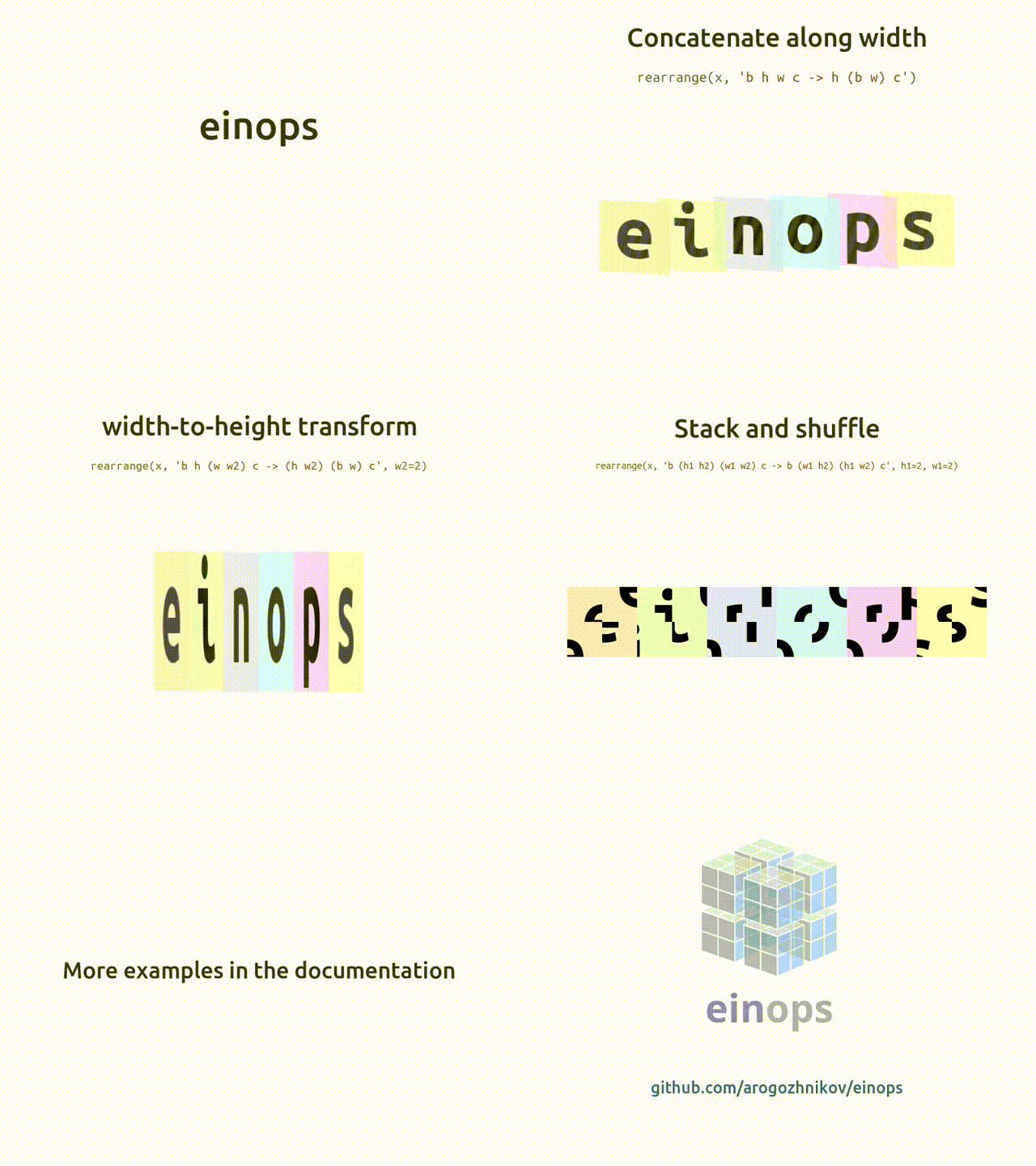
Einops, an abbreviation of Einstein-Inspired Notation for operations is an open-source python framework for writing deep learning code in a new and better way. Einops provides us with new notation & new operations. It is a flexible and powerful tool to ensure code readability and reliability with minimalist yet powerful API.
Supported Frameworks
Requirements & Installation
Python>=3.6
You can install Einops via PyPI.
!pip install einops
Tutorials
Here are a few examples to get started with Einops.
Instead of writing, y = x.transpose(0, 2, 3, 1), in Einops we represent it as y = rearrange(x, 'b c h w -> b h w c')
This demo will cover basics of Einops reordering, composition and decomposition of axes, operations like rearrange, reduce, repeat and what all you can do with these single operations.
Let’s get started!
- Import all the required packages and load the data. Here we are using 6 images. A sample of it is shown below:
- Perform all three operations:
- Rearrange

Rearranging a single image:
 # we'll use three operations
 from einops import rearrange, reduce, repeat
 # rearrange, as its name suggests, rearranges elements
 # below we swapped height and width.
 # In other words, transposed first two axes (dimensions)
 # rearrange elements according to the pattern
 rearrange(ims[0], 'h w c -> w h c')
Composition of axes:
 # einops allows seamlessly composing batch and height to a new height dimension
 # We just rendered all images by collapsing to 3d tensor!
 rearrange(ims, 'b h w c -> (b h) w c')

Decomposition of axes :
 # decomposition is the inverse process - represent an axis as a combination of new axes
 # several decompositions possible, so b1=2 is to decompose 6 to b1=2 and b2=3
 rearrange(ims, '(b1 b2) h w c -> b1 b2 h w c ', b1=2).shape
 # finally, combine composition and decomposition:
 rearrange(ims, '(b1 b2) h w c -> (b1 h) (b2 w) c ', b1=2)

Order of the axes matter :
 # compare with the next example
 rearrange(ims, 'b h w c -> h (b w) c')
 # order of axes in composition is different
 # rule is just as for digits in the number: leftmost digit is the most significant,
 # while neighboring numbers differ in the rightmost axis.
 # you can also think of this as lexicographic sort
 rearrange(ims, 'b h w c -> h (w b) c')

rearrange doesn't change the number of elements and covers different numpy functions (like transpose, reshape, stack, concatenate, squeeze and expand_dims). You can check all types of rearrangement, here.
- Reduce : Instead of worrying about x.mean(-1), Einops gives you a option of directly reducing the image as :
 # average over batch
 reduce(ims, 'b h w c -> h w c', 'mean')

If the axis is not present in the output, that means it is reduced and also provides different kinds of methods to reduce on like mean, min, max, sum, etc.
 # the previous is identical to familiar:
 ims.mean(axis=0)
 # but is so much more readable

reduce combines the same reordering syntax with reductions (mean, min, max, sum, prod, and any others). You can check all the utilities of the reduce function here.
- Reduce ⇄ Repeat : reduce and repeat are like opposite of each other: first one reduces amount of elements, second one increases.
 # compute max in each image individually, then show a difference
 x = reduce(ims, 'b h w c -> b () () c', 'max') - ims
 rearrange(x, 'b h w c -> h (b w) c')

repeat additionally covers repeating and tiling. Some fancy examples are available here.
You can check Fundamental Demo of Einops in this Colab Notebook.
This demo contains usage of some deep learning packages, important cases for DL models and at last functionality of einsops.asnumpy and einops.layers. You can select your choice of framework.Einops functions work with any tensor like they are native to the framework. For the example purpose, here the framework choice is PyTorch.
- Let’s start with very basic computation.
converting bchw to bhwc format and back:
 y = rearrange(x, 'b c h w -> b h w c')
 guess(y.shape)
- Backpropagation is quite common in DL models. Here is the code for backpropagation via einops.
 y0 = x
 y1 = reduce(y0, 'b c h w -> b c', 'max')
 y2 = rearrange(y1, 'b c -> c b')
 y3 = reduce(y2, 'c b -> ', 'sum')
 if flavour == 'tensorflow':
     print(reduce(tape.gradient(y3, x), 'b c h w -> ', 'sum'))
 else:
     y3.backward()
     print(reduce(x.grad, 'b c h w -> ', 'sum'))
- einops.asnumpy : This function is used to convert tensor into numpy.
 from einops import asnumpy
 y3_numpy = asnumpy(y3)
 print(type(y3_numpy), y3_numpy.shape)
- Common Building Blocks of Deep Learning
- Flattening
 y = rearrange(x, 'b c h w -> b (c h w)')
 guess(y.shape)
- Space-to-Depth
 y = rearrange(x, 'b c (h h1) (w w1) -> b (h1 w1 c) h w', h1=2, w1=2)
 guess(y.shape)
- Depth-to-Space
 y = reduce(x, 'b c h w -> b c', reduction='mean')
 guess(y.shape)
- Reductions
- Global Average Pooling
 y = reduce(x, 'b c h w -> b c', reduction='mean')
 guess(y.shape)
- Max-pooling, here with kernel 2 X 2
 y = reduce(x, 'b c (h h1) (w w1) -> b c h w', reduction='max', h1=2, w1=2)
 guess(y.shape)
         # you can skip names for reduced axes
 y = reduce(x, 'b c (h 2) (w 2) -> b c h w', reduction='max')
 guess(y.shape)
- Squeeze & Unsqueeze (expand_dims)
 # models typically work only with batches,
 # so to predict a single image ...
 image = rearrange(x[0, :3], 'c h w -> h w c')
 # ... create a dummy 1-element axis ...
 y = rearrange(image, 'h w c -> () c h w')
 # ... imagine you predicted this with a convolutional network for classification,
 # we'll just flatten axes ...
 predictions = rearrange(y, 'b c h w -> b (c h w)')
 # ... finally, decompose (remove) dummy axis
 predictions = rearrange(predictions, '() classes -> classes')
- Stacking
Start with a list of tensors
list_of_tensors = list(x)
New axis (one that enumerates tensors) appears first on the left side of expression. Just as if you were indexing a list - first you'd get tensor by index.
 tensors = rearrange(list_of_tensors, 'b c h w -> b h w c')
 guess(tensors.shape)
Or, Stacking along last dimension
 # or maybe stack along last dimension?
 tensors = rearrange(list_of_tensors, 'b c h w -> h w c b')
 guess(tensors.shape)
- Concatenation
Concatenation over First Dimension
 tensors = rearrange(list_of_tensors, 'b c h w -> (b h) w c')
 guess(tensors.shape)
Concatenation over Last Dimension
 tensors = rearrange(list_of_tensors, 'b c h w -> h w (b c)')
 guess(tensors.shape)
You can check all other Functionalities here.
References
You can refer to official Codes, Docs & Tutorials here.

Your reaction
Discussion
What's your take on this story?
No comments yet — be the first to share your view.