
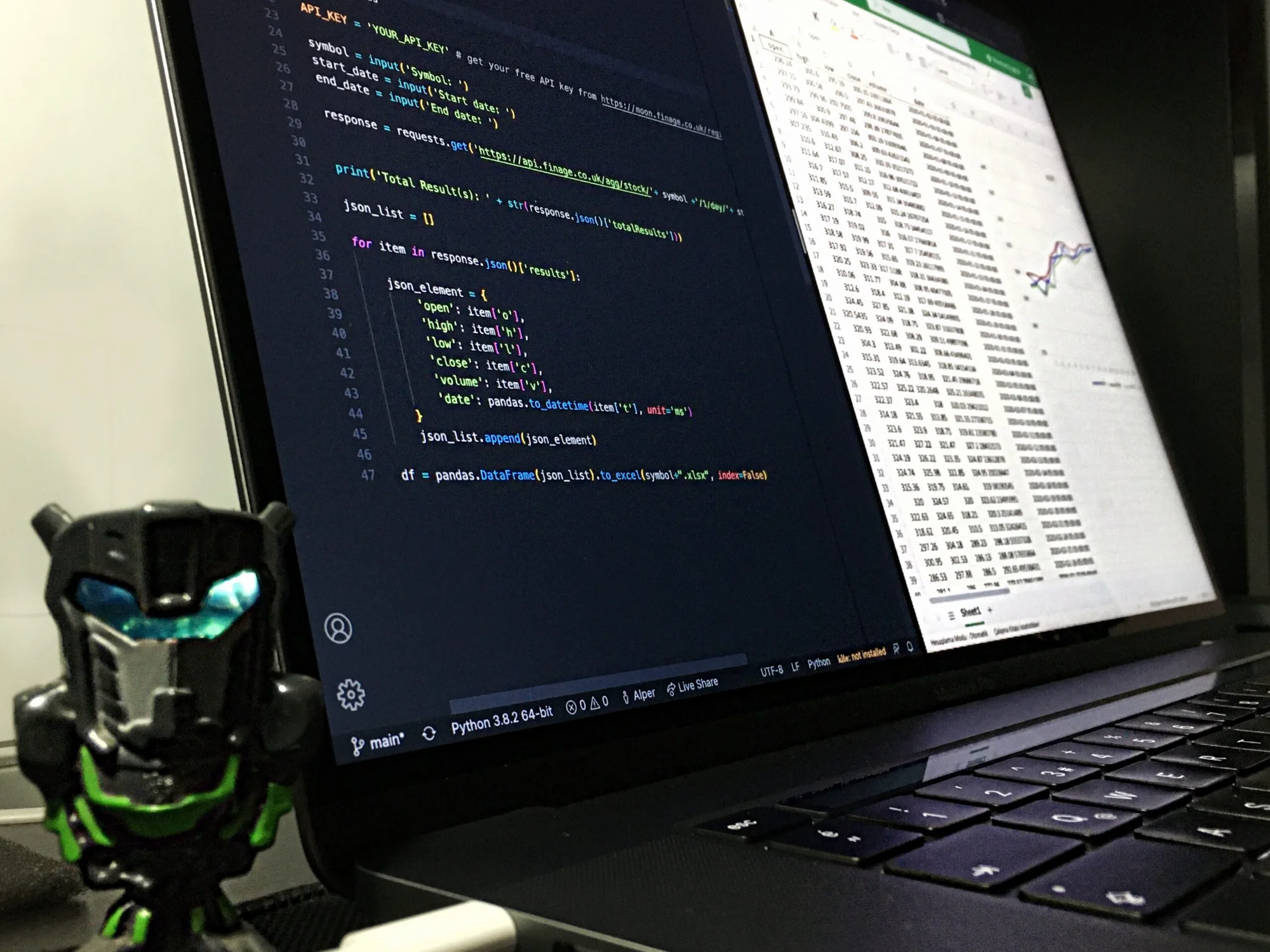
Stock market analysis has always been a very interesting work not only for investors but also for analytics professionals. To analyze the stock market, it needs to have the historical data of the stocks. Finding historical data used to be tedious, time-consuming and costly in the past. With the advancement of financial technologies (FinTech) and the trend toward inclusive finance, there are now a variety of free-market data sources available online. In this post, we will discuss the popular python packages which can be used to retrieve the historical data of a single or multiple stocks. We will see how with only a few lines of codes, we can download the data of years within seconds. The python packages that we are going to cover in this article are listed below.
Packages to be Discussed
- Pandas DataReaders
- Yahoo Finance
- Twelve Data
Pandas DataReaders
The first method that we are going to see is for collecting data with Pandas-DataReader. Pandas is a Python library for data analysis and manipulation that is a free source. As a result, the Pandas-DataReader subpackage supports the user in building data frames from various internet sources. It allows users to connect to a range of sources, such as Naver Finance, Bank of Canada, Google Analytics, Kenneth French's data repository, and 16 more such sources as mentioned in its documentation. Following the connection, we can extract the data and read it in as a data frame.
While retrieving any stock price or data in sequence certain arguments that need to be defined in most of all the packages are;
- Period: The frequency with which the data is collected; common selections are ‘1d' (daily), ‘1mo' (monthly), and ‘1y' (yearly)
- Start: The date on which the data collection will begin. For example, ‘2015–5–25'
- End: the date on which the data collection will be completed. For instance, ‘2021–9–25.'
When you get output values of any stock, in most of the cases the output of the query is a pandas data frame and the fields of those data frames are described below:
- Open: The stock price at the start of that day/month/year.
- Close: the stock price at the conclusion of that particular day/month/year
- High: the stock's highest price that day/month/year.
- Low: the stock's lowest price that day/month/year.
- Volume: The number of shares traded that day/month/year.
Pandas DataRedears is not a data source in and of itself, but rather an API in the PyData stack that enables a multitude of data sources. The data will be downloaded as a pandas Dataframe, as the name implies. The complete document is available here. The sources that it currently supports are listed below. We will only go through a few of them.
Getting data from Alpha Vantage
Alpha Vantage provides enterprise-grade financial market data through a set of powerful and developer-friendly APIs. To set up this environment you will need to have an API key, it can be straightly taken from the documentation here.
## Alpha vintage
import pandas as pd
import pandas_datareader as pdr
ts = pdr.av.time_series.AVTimeSeriesReader('IBM', api_key=PUT_YOUR_API_KEY_HERE)
df = ts.read()
df.index = pd.to_datetime(df.index, format='%Y-%m-%d')
# plotting the opening and closing value
df[['open','close']].plot()

Here’s how the obtained data frame looks like:

Getting Data from FRED
The Federal Reserve Economic Data (FRED) database is managed by the Research division of the Federal Reserve Bank of St. Louis and contains over 765,000 economic time series from 96 sources. All such huge data can be accessed by the DataReader API just under the symbol category we need to mention for which indicator we want the data. Indicators can be found here.
### Fred
import pandas_datareader as pdr
start = datetime(2021, 1, 1)
end = datetime(2021, 9, 30)
syms = ['IMPCH', 'IMPJP']
df = pd.DataFrame()
for sym in syms:
  ts = pdr.fred.FredReader(sym, start=start, end=end)
  df1 = ts.read()
  df = pd.concat([df, df1], axis=1)
df
As passed above, it shows the trading categories that are imported from Japan and China.

Yahoo Finance
Yahoo! Finance is a component of Yahoo's network. It is the most widely used business news website in the United States, featuring stock quotes, press announcements, financial reports, and original content, as well as financial news, data, and commentary. They provide market data, fundamental and option data, market analysis, and news for cryptocurrencies, fiat currencies, commodities futures, equities, and bonds, as well as fundamental and option data, market analysis, and news.

The above image is the web interface of Yahoo Finance which markets the status of different cryptocurrencies. To retrieve such data Yahoo finance has its dedicated tool called yfinance. It is really simple and straightforward, as you will go through the below API under which you need to change only the symbol ( left-most column in the above image)
!pip install yfinance
import yfinance as yf
import matplotlib.pyplot as plt

data = yf.download('BTC-USD','2021-01-01','2021-09-30')
data.head()

Also, we can take multiple trades into account as given below.
data = yf.download(['BTC-USD','AMD'],'2021-01-01','2021-09-30')
data["Close"].plot()
plt.show()

Twelve Data
Twelve Data was created in 2009 and has recently gained traction. The following are the major elements of the services they provide:
- API access to real-time and historical data
- Creating dynamic graphs
- Large technical indicators (above 100).
- Quotes are streamed using WebSockets.
The TwelveData project's main purpose is to offer a single location where all Pythonistas may receive fast access to all financial markets and analyze them with just a few lines of code.
We must first register on their website and obtain our API KEY, the same as we did with Alpha Vantage.
Using the Twelve data we will query the stock price of Microsoft corporation and also we will plot an interactive Plotly Dashboard.
!pip install twelvedata[pandas,matplotlib,plotly]
!pip install websocket_client
from twelvedata import TDClient
# Initialize client
td = TDClient(apikey="PUT_YOUR_API_KEY_HERE")
# Construct the necessary time serie
ts = td.time_series(
   symbol="MSFT",
   interval="1min",
   outputsize=500,)
# returns Plotly dash
ts.as_plotly_figure().show()

Final Words
As we've seen, there are numerous ways to obtain historical stock data. We've seen not only the many data providers but also how to extract data from them using Python's standard API. As previously stated, having access to high-quality historical data is critical for backtesting your trading technique. These data suppliers are both free and paid. In this post, we looked at three free historical financial data sources: Pandas DataReader, Yahoo Finance, and Twelve Data covering equities, rates, foreign exchange, cryptocurrency, and commodities.
Popular Posts

Your reaction
Discussion
What's your take on this story?
No comments yet — be the first to share your view.